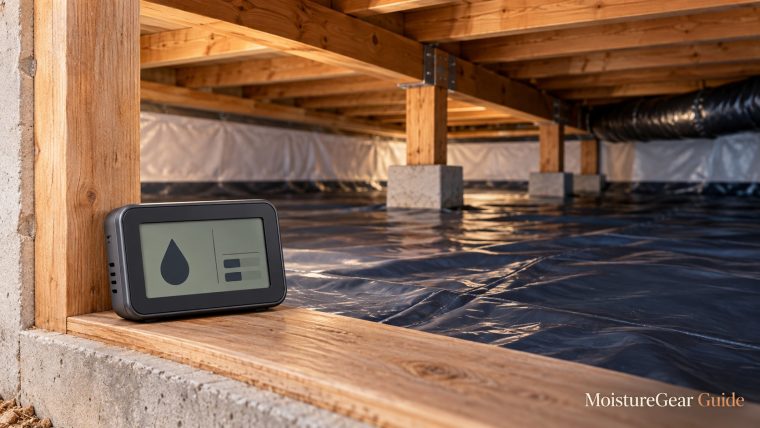
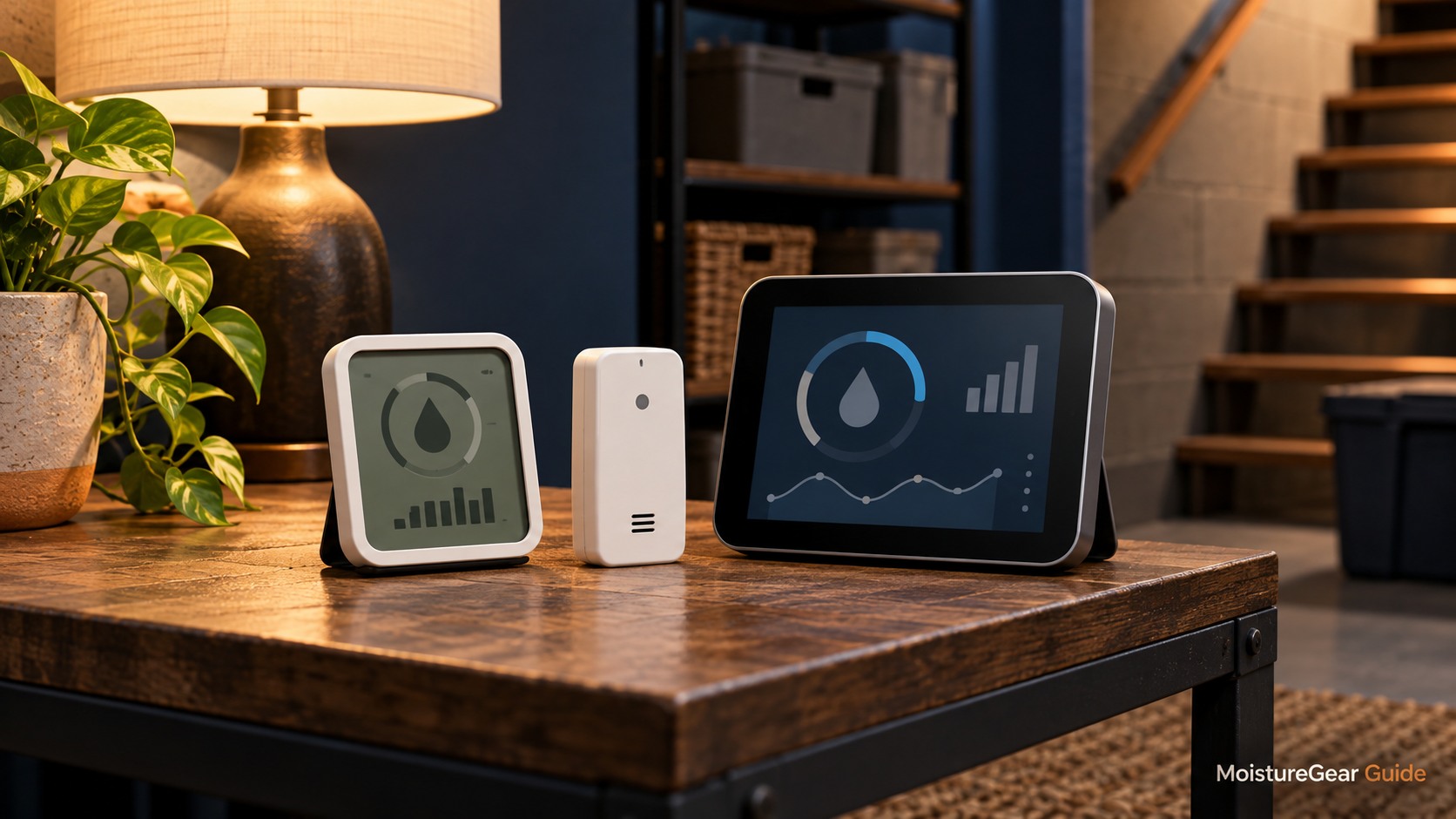
The best hygrometer for basement monitoring depends on whether you need a readable room display, a history of humidity changes, or information you can check away from home. Published sensor accuracy matters, but placement, temperature, and the way you use the readings matter just as much. A well-positioned basic monitor can answer a daily control question; a data logger is more useful when the problem appears overnight or after rain.
Our shortlist separates those purposes instead of declaring one universal winner. The recommendations use manufacturer specifications inspected October 13, 2026, with no claimed independent accuracy tests. For the wider equipment plan, use our sizing and ownership hub. If your priority is alerts from an inaccessible space, see the separate remote crawl-space sensor guide.
Three monitoring jobs, three useful choices
| Model | Best-fit monitoring job | Published humidity accuracy | Access to readings |
|---|---|---|---|
| TempPro TempAir CORE TP55 | A clear display you check while in the basement | ±2 percentage points RH from 30–80%; ±3 otherwise in its comparison table | Local display and high/low records |
| SensorPush HT1 | Recording patterns in a dry, sheltered room without buying a gateway immediately | At 77°F, 20–80% RH: ±3 points typical, ±4.5 maximum | Bluetooth app; optional G1 gateway for internet access |
| SensorPush HT.w | A more protected sensor for damp locations and logged monitoring | At 77°F, 10–90% RH: ±2 points typical, ±4.5 maximum | Bluetooth app; optional G1 gateway for internet access |
These are manufacturer tolerances at specified conditions, not measured errors for the unit you receive. “Typical” is not the same promise as “maximum.” The table also does not rank water resistance or a phone app as necessary for every basement.
TempPro TP55: a room display without network setup
The current TP55 manufacturer page uses the TempPro brand and identifies the device as a local digital thermometer/hygrometer. Older offers may still use ThermoPro. Confirm that the selected listing is the TP55 configuration rather than a related Bluetooth product.

This is the most straightforward fit when someone regularly visits the basement and wants to see temperature and RH at a glance. High/low records can show whether conditions changed between visits, although they do not provide the time-stamped curve of a true data logger. A maximum reading establishes that a higher value occurred; it does not tell you when or how long it lasted.
The value of a display is easy to overlook. If you work or store items in the room, checking a visible number may be more convenient than opening an app. You can also leave the device where a family member can read it without an account or shared phone access.
Its limitation is remote access. The TP55 itself does not become an internet sensor because another product on the same manufacturer's comparison page uses Bluetooth. If you need off-site notifications or detailed history, choose the relevant logging or gateway arrangement instead.
We would use the TP55 for a finished basement, utility-room inspection point, or independent check near a dehumidifier installation. We would not place it where it could be splashed or rely on it to warn about a drainage fault while the owner is away.
SensorPush HT1: history without committing to a cloud setup
The HT1 specification page describes one-minute measurements and more than two weeks of on-sensor storage. The device communicates by Bluetooth LE. A phone can collect its stored readings when within range, allowing you to inspect a trend rather than only the latest number.

That arrangement suits a sheltered basement where you can periodically approach the sensor. You might compare humidity after laundry, during a wet spell, or over overnight dehumidifier cycles. The logger can help you identify when a change started, which is more useful for troubleshooting than a single maximum reading.
The HT1 is not a direct Wi-Fi sensor. Off-site access requires the separately purchased SensorPush G1 gateway, which receives sensor data locally and sends it to the internet. Without that gateway or another supported connection, leaving the house with your phone also leaves live Bluetooth access behind.
Its published accuracy has conditions attached. The ±3-point typical humidity tolerance applies at 77°F and within 20–80% RH; the page gives wider tolerances across the full humidity range. Do not assume the same precision at every temperature or extreme humidity.
We would consider the HT1 when historical patterns matter and the sensor can remain in a protected indoor position. For a location with more exposure to dampness, the HT.w's protective design is a more relevant feature than adding another graph style.
SensorPush HT.w: protection for a more demanding location
The HT.w official page describes a water-resistant design using seals and a protective sensor membrane. It also publishes a tighter typical humidity tolerance over a wider stated RH band than the HT1 at 77°F. That makes it worth considering for a damp but appropriately protected equipment area.

Water-resistant does not mean submersible, and a humidity sensor should not be placed where a drain leak can flood it. The purpose of the protective design is to improve suitability for demanding environments within the manufacturer's instructions, not to turn a monitoring accessory into a water-damage alarm.
The HT.w also records at one-minute intervals and retains more than a month of data on the sensor according to its product page. That can be useful when visits are less frequent. A data record is only as good as its environmental placement and successful retrieval, so test the arrangement before relying on it.
Like the HT1, it uses Bluetooth to a phone or optional G1 gateway. Adding the gateway changes access, rather than changing the sensor into a direct Wi-Fi device. If you need live internet checks from upstairs or away from the property, budget for that full path.
We would consider it for a sheltered unfinished basement, a crawl-space monitoring position, or a location where a basic display's exposure is questionable. We would still keep it away from condensation, direct splashes, and the dehumidifier's discharge stream.
Understand percentage points before comparing readings
An accuracy tolerance stated as ±3% RH means approximately three percentage points of relative humidity, not three percent of the displayed number. A hypothetical 55% reading with a ±3-point tolerance illustrates an interval of 52–58%, not 53.35–56.65%.
That interval is an illustration of the tolerance arithmetic, not proof of the actual true humidity. Published typical and maximum tolerances have their own conditions, and an installed sensor may be affected by placement, drift, or exposure. A reference measurement is needed to establish its actual error.
Two devices can differ while both remain within their published tolerances. If two hypothetical ±3-point instruments display 52% and 57%, the overlapping possible ranges do not by themselves prove that one is broken. Put them together in representative air and allow stabilization before drawing conclusions.
The more important question is often whether the difference changes your decision. If one reading would prompt a minor setting adjustment and another would not, gather a stable trend first. Do not tune humidity control in tiny increments around a measurement uncertainty you have not considered.
Resolution is not accuracy
A device that displays 54.7% is not necessarily more accurate than one displaying 55%. The decimal describes display resolution. Accuracy describes agreement with a reference under stated conditions. Fast refresh, attractive charts, and additional decimal places can all coexist with a modest accuracy specification.
Likewise, a sensor's measurement interval is different from the speed at which it fully responds to a new environment. Moving a device from an upstairs room into a cool basement changes the conditions around it and possibly the device's temperature. Give it the stabilization time specified by the manufacturer.
For ordinary moisture management, steady and well-placed readings are usually more useful than chasing a decimal. For precise assessment of a building problem, ask a qualified professional what reference instruments and material measurements are appropriate.
Measure temperature alongside humidity
Relative humidity depends on air temperature. A cooler corner can show a higher RH than a warmer part of the same basement even when their water-vapor content is similar. A warm discharge stream from the dehumidifier can also produce an unrepresentative reading.
This is why the shortlisted devices measure both temperature and humidity. Keep those readings together when you inspect a trend. If RH rises overnight as temperature falls, that pattern has a different interpretation from a large RH rise at stable temperature after a plumbing leak or open window.
Our summer basement humidity guide explains the environmental problem, while the crawl-space humidity guide discusses monitoring in a different enclosure. A number from one room should not be assumed to represent every space below the house.
Choose a representative position
For an overall room reading, place the monitor in ordinary circulating air away from direct discharge, obvious damp surfaces, sunlight, radiators, and a frequently opened outside door. Avoid hiding it in a tightly packed shelf or container that samples a small pocket rather than the room.
A cold wall or suspected damp corner can still be a useful special-purpose monitoring location. Label it as that location, and compare it with a representative room sensor. Then you can distinguish a local microclimate from an apparent change in the entire basement.
Keep sensors at positions you can reach for batteries and inspection. In an unfinished room, protect the device from accidental impact and splashes. A water-resistant option does not remove the need for sensible mounting or a maintenance route.
If you move a sensor, record the change. An improvement on a chart may reflect a new position closer to the dehumidifier rather than better room control. Location consistency makes the data more useful over weeks and seasons.
When two monitors are worth the expense
Two instruments can be useful in a divided basement where air movement between rooms is limited. Place one in the main occupied area and another in the suspected problem zone. Observe them over the same period with doors in their normal positions.
A difference between zones can reveal that one dehumidifier's local sensor does not describe the far room. The equipment may need a placement change, better air circulation, or a different application plan. Use our basement placement guide before interpreting the difference as a simple capacity failure.
For an accuracy check, first put both monitors side by side in a stable location, away from discharge air. That comparison helps identify an offset, but two consumer devices are not automatically a calibration reference. They can agree and both be wrong, or disagree within their tolerances.
The question for a homeowner is often practical: can the instruments distinguish a recurring moisture problem reliably enough to guide the next investigation? If the answer remains unclear, professional measurement is more useful than purchasing many inexpensive monitors and voting on the result.
Use high/low records and graphs for different questions
A display's maximum record is useful when you want to know whether humidity rose since the last reset. It is less useful for understanding duration. A short spike after opening the door and a long overnight plateau can leave the same maximum value.
A time-stamped graph can separate those patterns. Look at the time of the event, the accompanying temperature, and the recovery. Compare it with a note about rainfall, laundry, visitors, or a changed dehumidifier setting. A simple event log turns a line on a chart into a more interpretable record.
Avoid claiming causation from one coincidence. Humidity rising during rain does not identify which building pathway is responsible. It provides a useful trigger for inspecting the enclosure and drainage. The sensor measures air conditions, not the moisture content of concealed framing or insulation.
For ongoing cost assessment, pair the humidity record with appropriate energy measurements. Our electricity-cost guide explains how operating hours and kWh relate to the bill. A humidity curve alone does not establish compressor power or efficiency.
Set a target with context
EPA’s indoor moisture guidance recommends keeping indoor RH below 60%, ideally 30–50% when possible. Treat that as general indoor guidance rather than a guarantee that one exact number resolves every basement concern.
Surface temperatures, leaks, air movement, and stored materials still matter. A basement can have a concerning local damp area while a monitor elsewhere reports a moderate RH. Conversely, a brief spike does not establish that an appliance needs replacement.
Use a sensible target and observe whether the space maintains it through representative weather. When making a setting change, leave a stable observation period instead of adjusting repeatedly throughout the day. The pattern is easier to interpret when the control conditions are clear.
Interpret a small change before adjusting the dehumidifier
Consider a monitor that normally shows roughly 50% RH and then reports 53% after the room cools slightly. Before changing the equipment, examine the temperature, duration, and the sensor's published tolerance. That small difference may not support a firm conclusion about a new moisture source. Compare the next several readings in the same location and note whether the dehumidifier is operating normally.
Now consider a sustained rise well beyond the established pattern while temperature remains similar. That is a more useful reason to inspect the enclosure, controls, and drain. The sensor still cannot identify the cause, but it can distinguish the event from ordinary small variation and tell you when it began. This is where a consistent log provides more value than a decorative comfort icon.
Keep alerts and setting changes proportional to the information available. A household humidity monitor is intended to inform practical moisture management. It should not turn every one-point movement into a new adjustment or provide false certainty about the condition of concealed building materials.
Maintenance and calibration deserve restraint
Keep a sensor's openings unobstructed and follow the manufacturer's cleaning instructions. Avoid spraying cleaning products into the sensing area. Dust, chemical vapors, or liquid water can affect readings and may fall outside the intended conditions.
If a product supports an app offset, an offset is a correction you choose, not independent proof of calibration. Do not adjust one unit simply to match another unverified consumer monitor. Use a suitable reference or the manufacturer's recommended verification method when precision matters.
SensorPush warns that prolonged exposure above 80% RH can cause a temporary positive offset in its listed sensors, which gradually reverses in lower-humidity conditions. That detail matters if a monitor has spent a long period in an unusually wet enclosure. Check the exact model's guidance before deciding a persistent discrepancy means the room got wetter.
Record battery changes, position changes, and any offsets you apply. Without those notes, a sudden step in a historical graph can be mistaken for an environmental event. A small amount of recordkeeping improves the value of the data more than unnecessary display precision.
Three practical purchase scenarios
You visit the basement daily
A TP55-style local display may answer the main question with little setup: what are temperature and humidity now, and what high/low values occurred? Put it where it is easy to read and where ordinary room air reaches it. The absence of cloud access can be a reasonable tradeoff when remote alerts are unnecessary.
The problem occurs while you sleep
A logger such as the HT1 can preserve the overnight pattern for later retrieval. Compare temperature and humidity, then relate the time to dehumidifier controls or household activities. If the room is sheltered and dry enough for the product, the extra history may be more useful than a premium case.
The equipment area is difficult to visit
A more protected HT.w plus a correctly positioned G1 gateway may suit the monitoring job. Budget for both components and test their communication in the final location. If you need alerts when away, confirm them while the phone is off the home's Wi-Fi instead of assuming local Bluetooth success proves remote operation.
Before ordering
Check the exact model's accuracy conditions, local display or app requirements, environmental suitability, battery arrangement, and remote-access path. Confirm whether the offer is a sensor alone or a sensor-and-gateway bundle. Price comparisons become misleading when one listing includes a gateway and another does not.
Amazon search results can show related models and older branding. Match the selected offer with the manufacturer's document before purchasing. We do not infer seller authorization, current stock, or model identity from a search button.
A hygrometer is a monitoring tool. It can help you evaluate humidity control and identify a pattern worth investigating. It cannot test for mold, diagnose a health condition, measure hidden material moisture, or prove that a water-damaged building is restored.
Selected primary references
- TempPro TP55: display and accuracy specifications
- SensorPush HT1: accuracy conditions and local logging
- SensorPush HT.w: protected design and accuracy conditions
- EPA: home moisture guidance

About the author
Davis Murphy
Davis Murphy writes about dehumidifiers, indoor humidity, and home moisture control at MoistureGear Guide. His articles explain how to compare equipment, understand capacity ratings, and plan for drainage and maintenance. He focuses on clear, practical guidance to help readers choose a dehumidifier suited to their space and needs.